01 · Principle
Simplicity over features
One notebook, one paper, one toolbar.
As simple as taking a notepad out of your backpack. One book. Dotted pages. Apple Pencil. Nothing to learn, nothing to set up, nothing to subscribe to.

iPad only · Requires iPadOS 17+
Scan with your iPad to open paplo
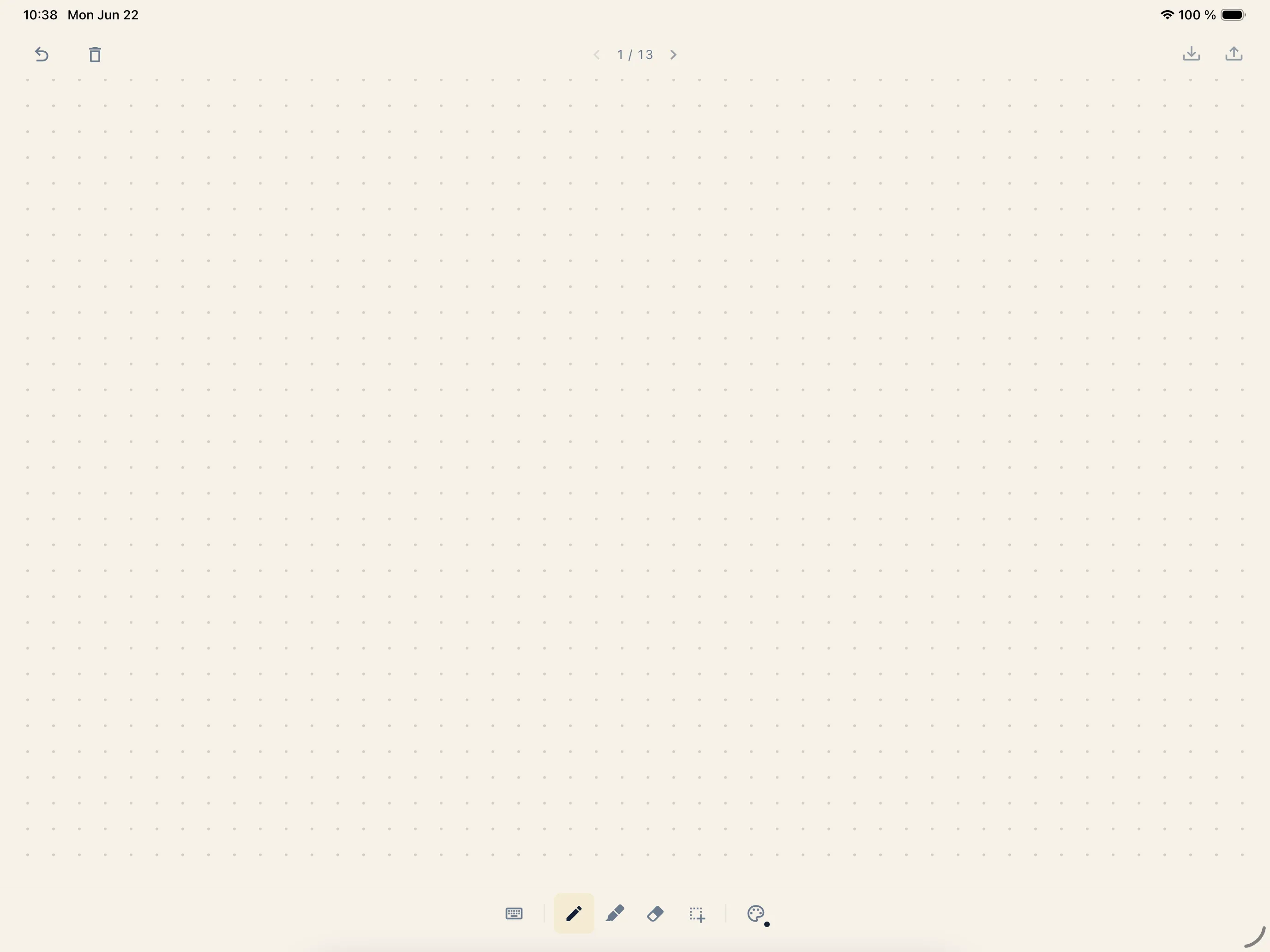
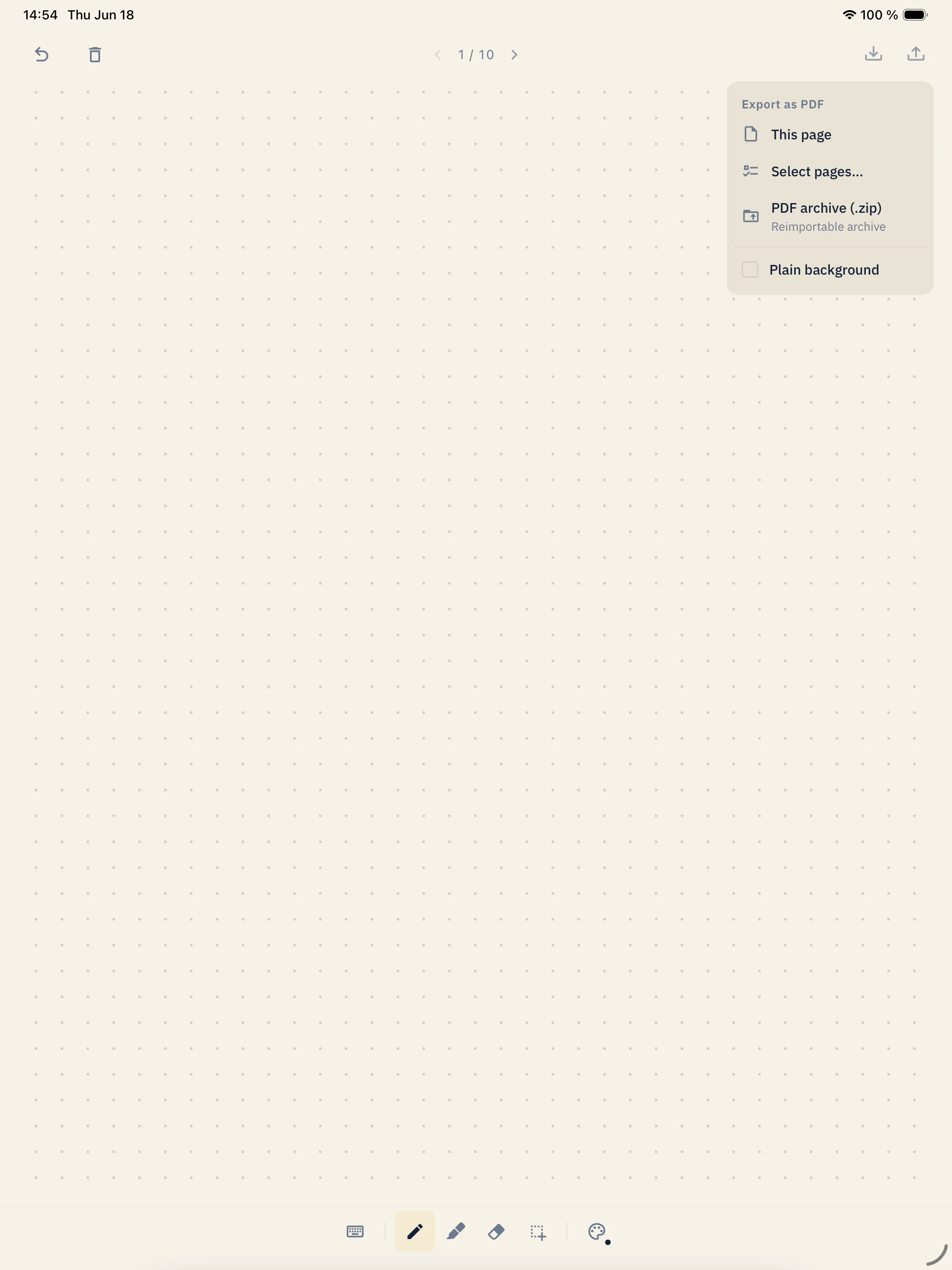
Most notes apps end up as filing systems. Folders inside folders, tags nested in tags, dashboards counting how often you forgot to write. paplo refuses every one of those decisions on your behalf — so you can open it, write or draw and put it down again.
One notebook, one paper, one toolbar.
The pen is the primary input. Pressure, tilt, palm rejection — so writing feels like paper.
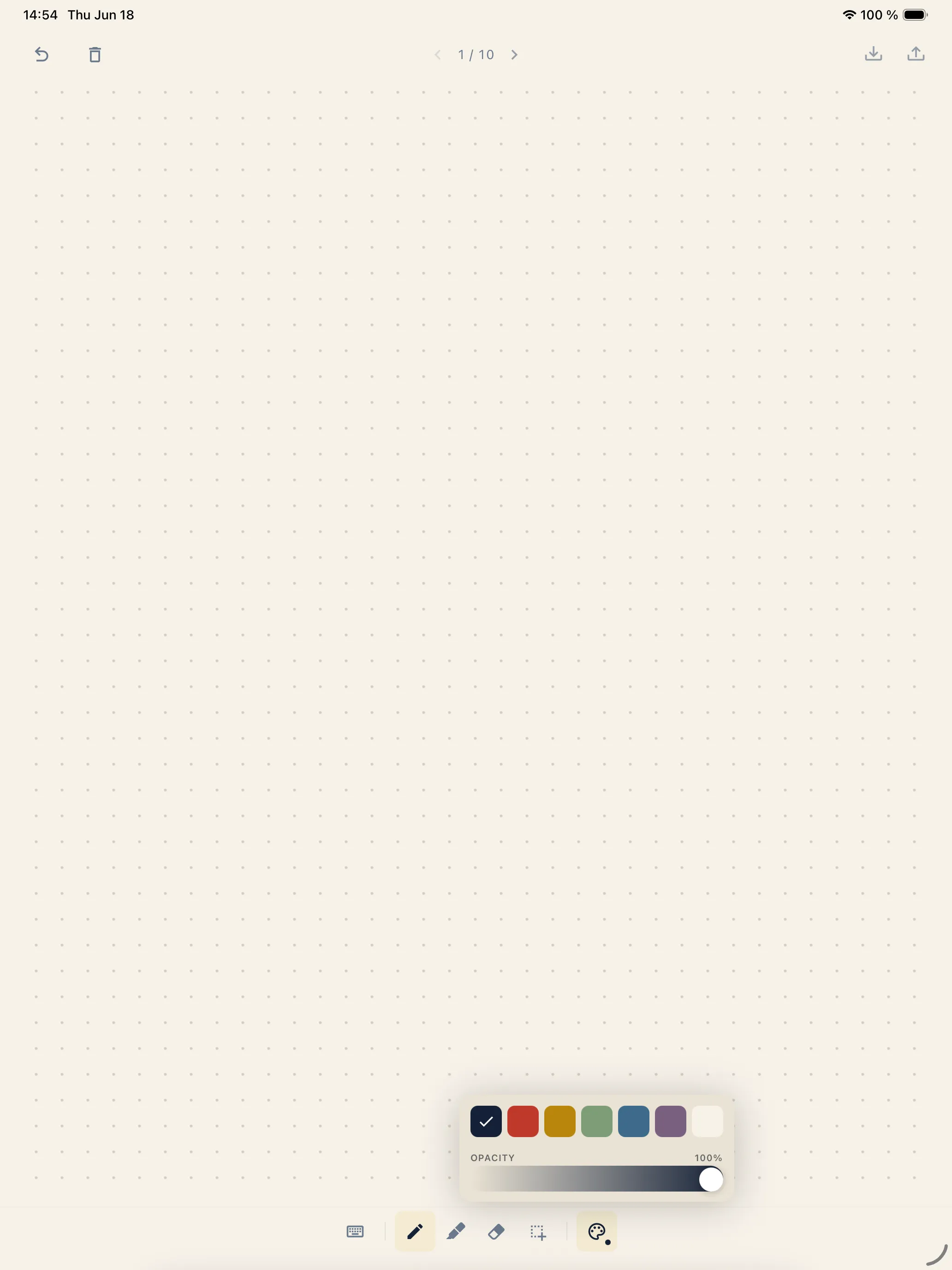
No bright colors. No badges, streaks or notifications. A quiet space for your thoughts.
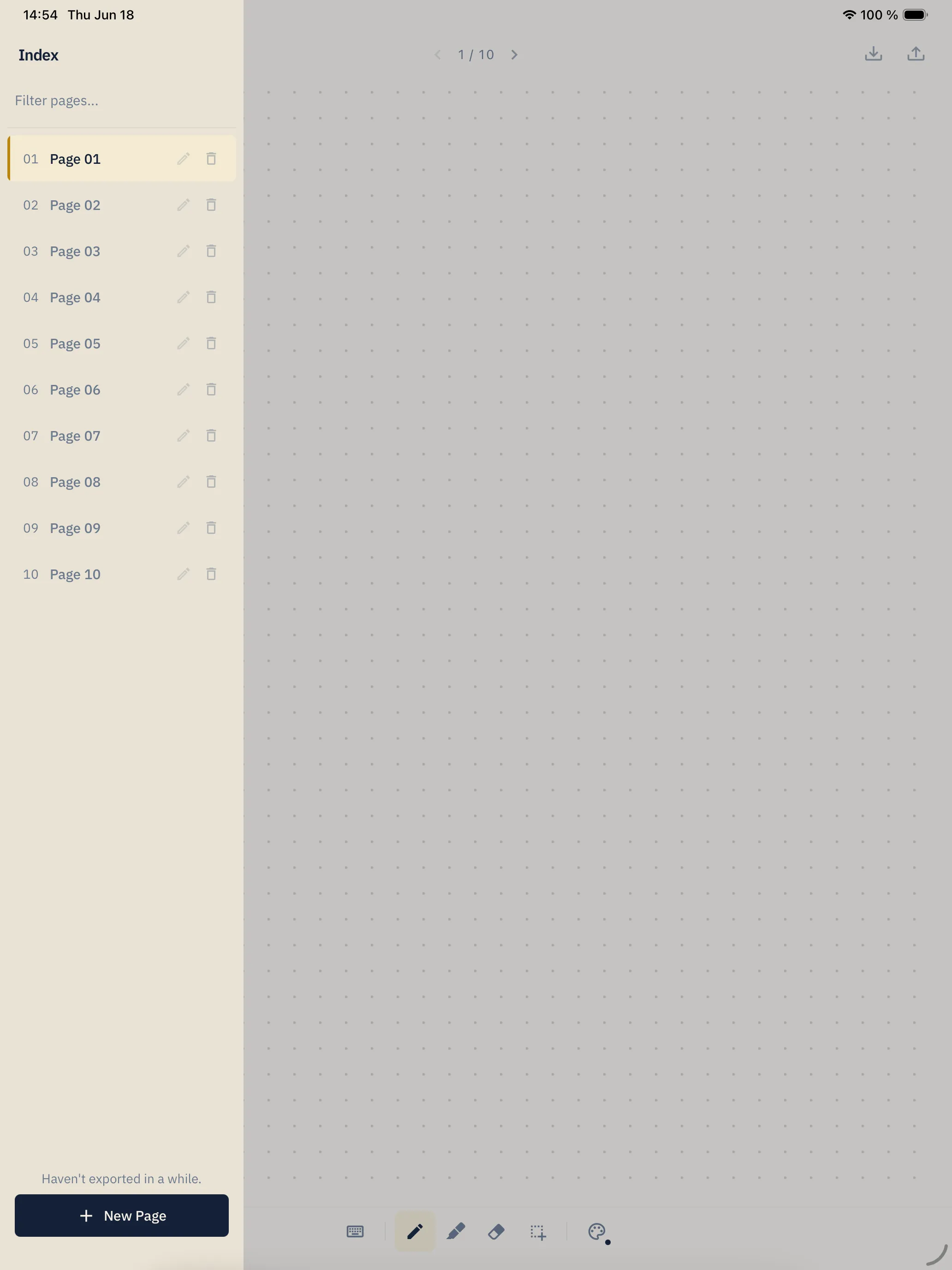
Tap the page counter to slide the index open. Pages you've titled show up by name, the rest by number — filter by either to find one fast. Tap to jump, long-press to rename, and add a page from the button below. No folders, no tags, no nesting. That's the whole filesystem.
One tap, full fidelity. Drawings, text blocks and imported images flatten into a real PDF — print it, mail it, archive it. paplo is the drafting board; the PDF is what survives.
Add photos straight from your library, or restore a paplo backup you saved earlier. Everything drops onto the page, ready for the pencil — nothing to convert, nothing to sync.
iPad only · Requires iPadOS 17+
Scan with your iPad to open paplo